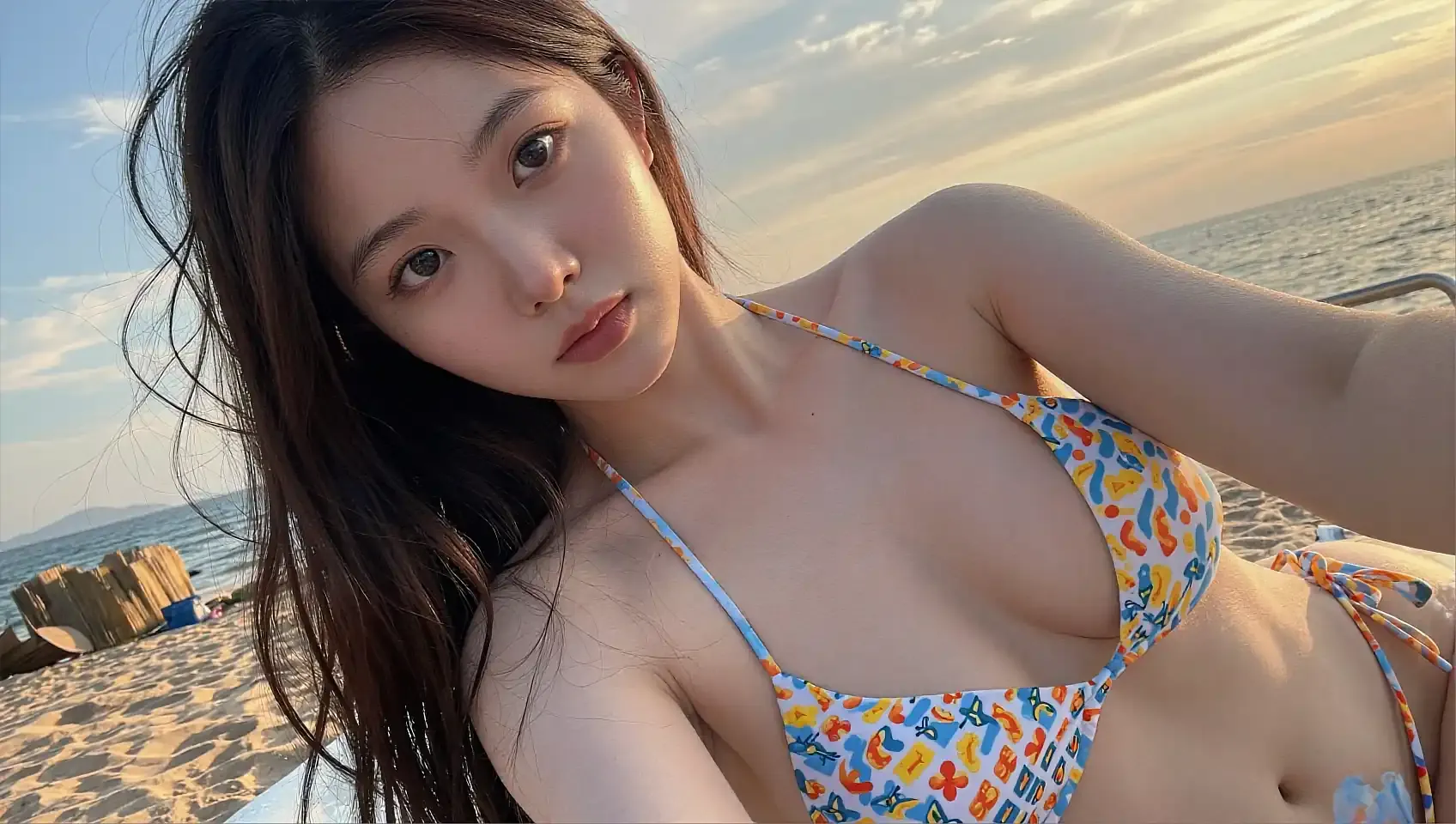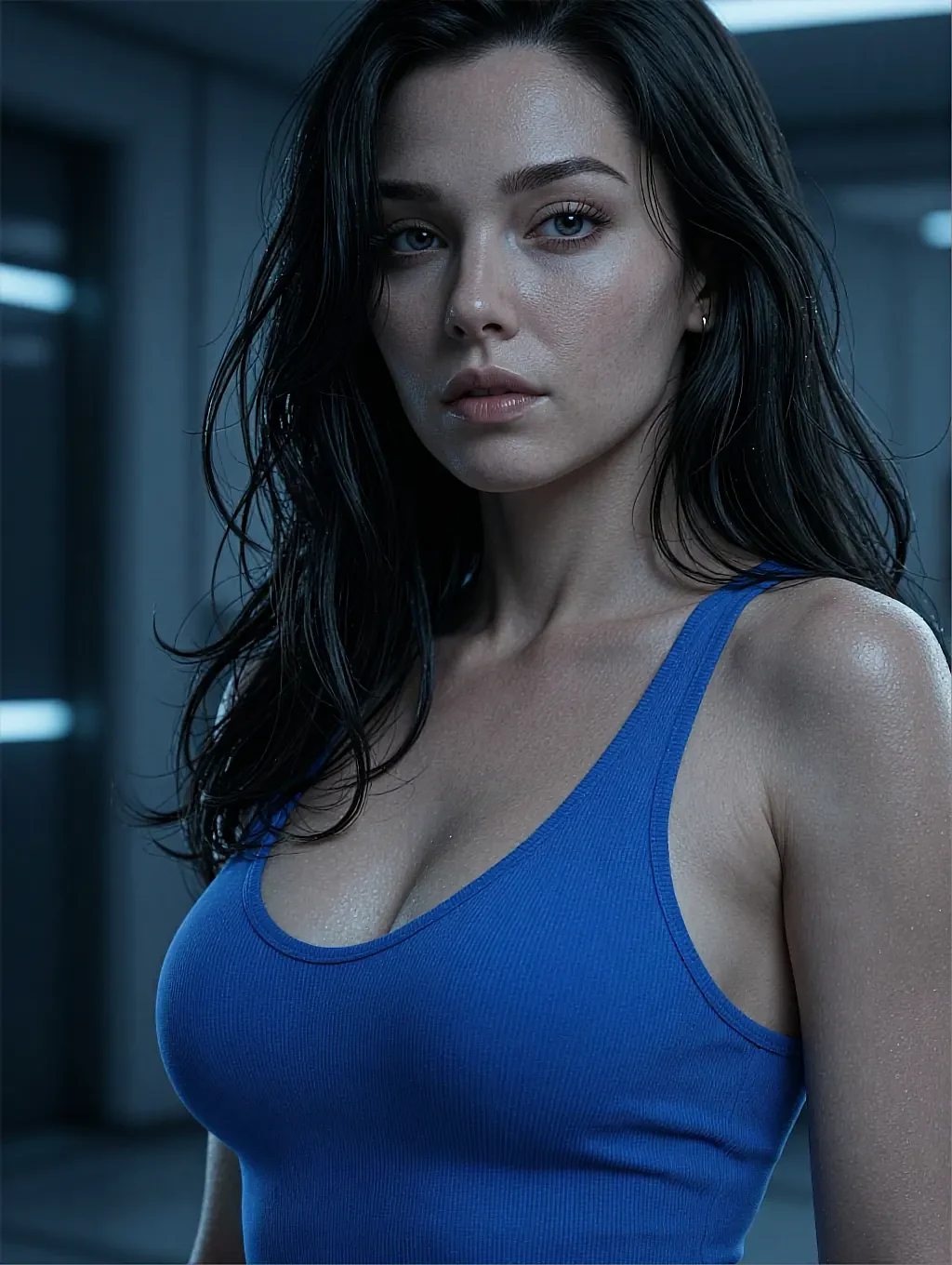
01AI lesbian art generator · 18+
An AI lesbian art generator built around three dials
Style, pose and light move independently, so improving one thing never costs you the frame you already liked. Type a sentence, turn one dial, render again.
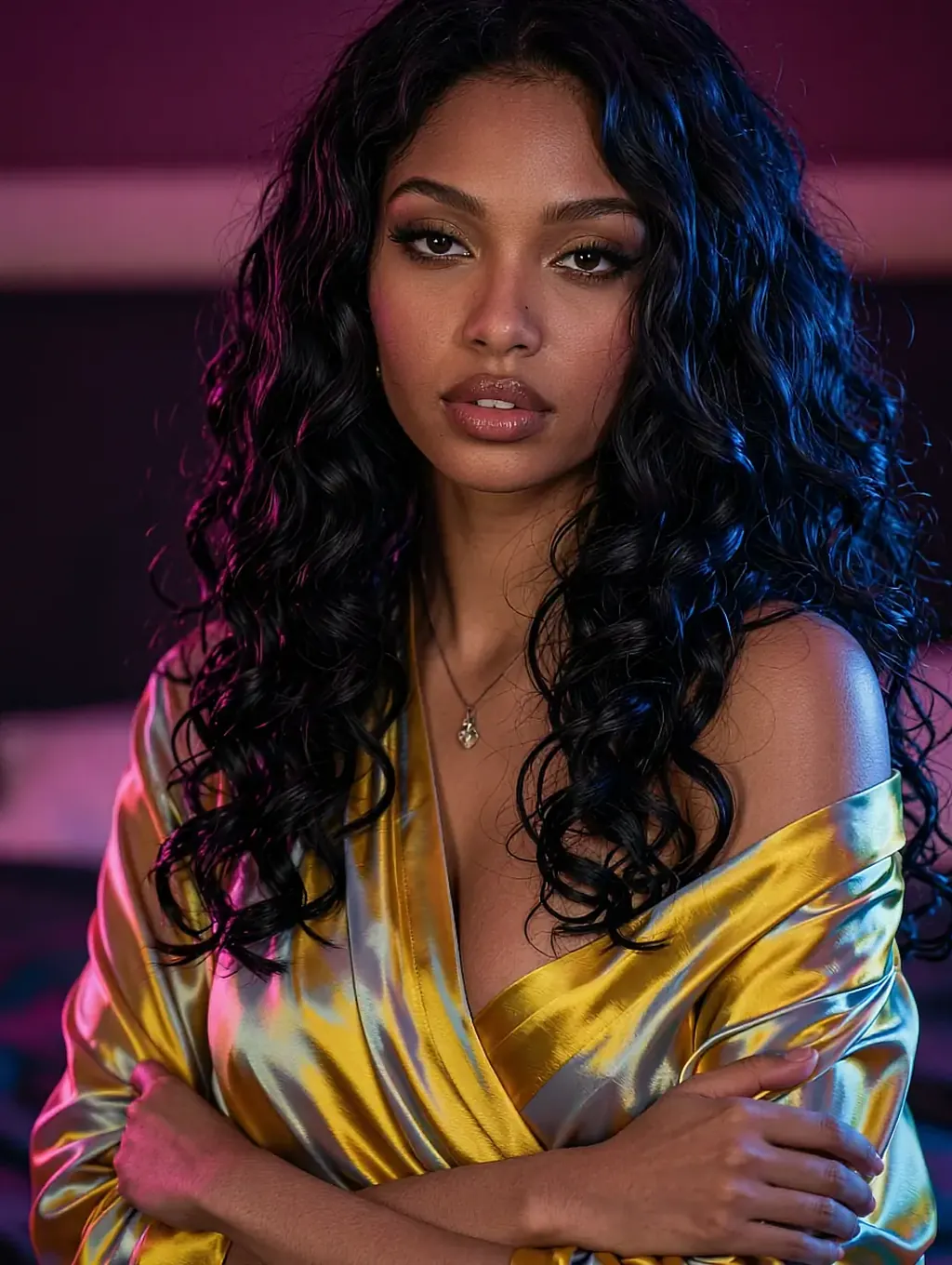
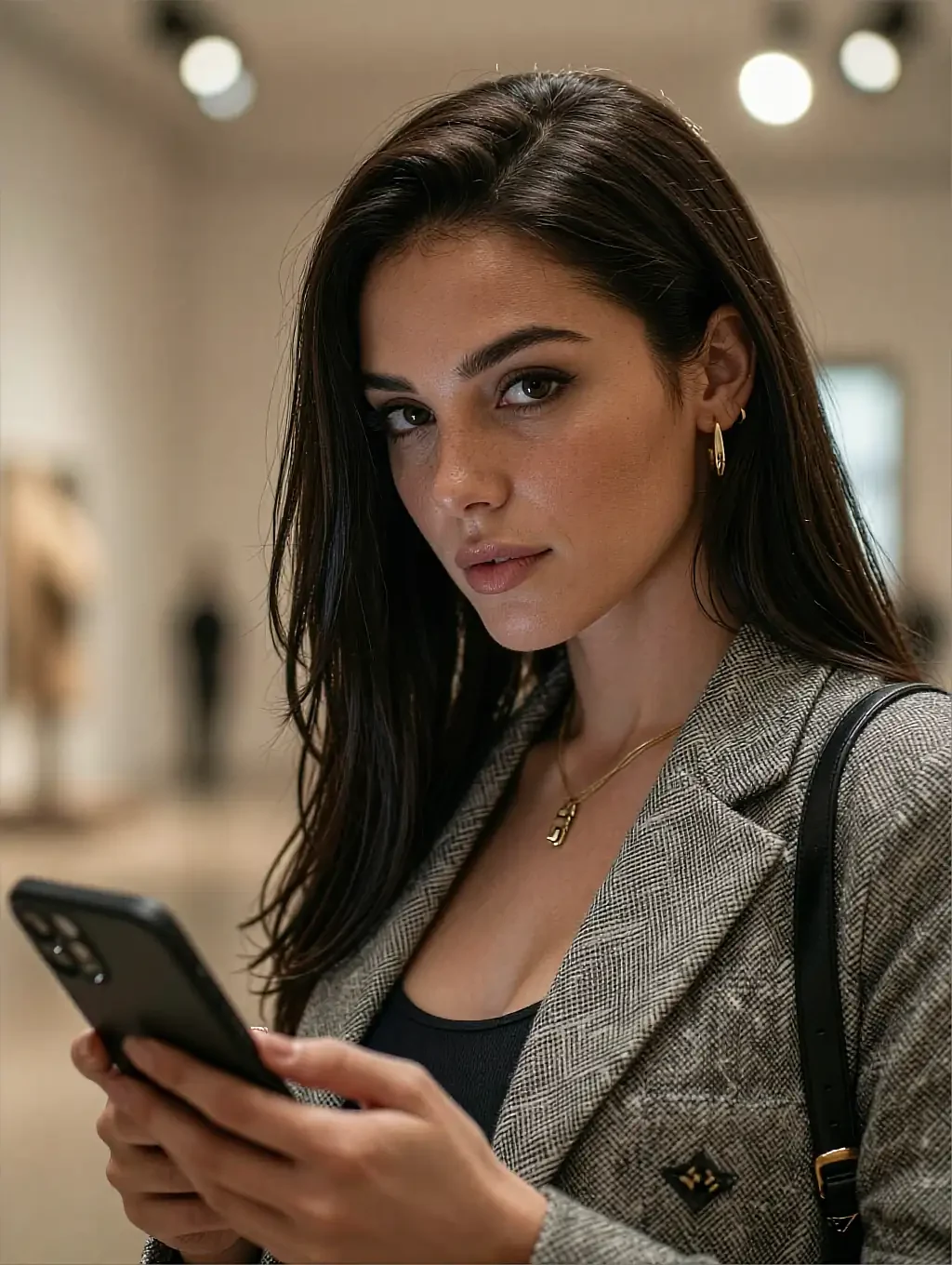
Fictional AI characters, written and drawn as adults. Nobody here is a real person.
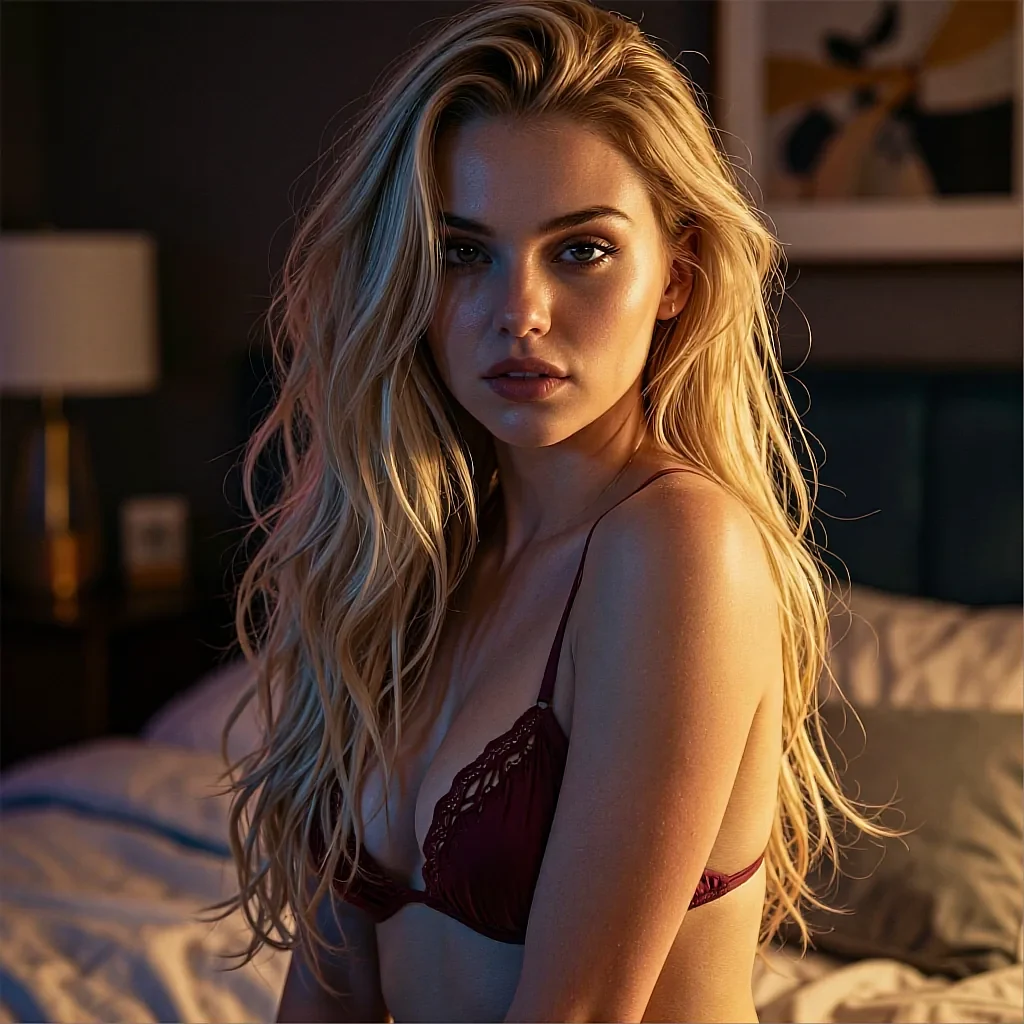
Prompt
same pose, sharper linework, mirror lights behind her
- StyleInk lineSoft oilFilm
- PoseHeldCloseTurned away
- LightMirror bulbsOne lampGolden hour
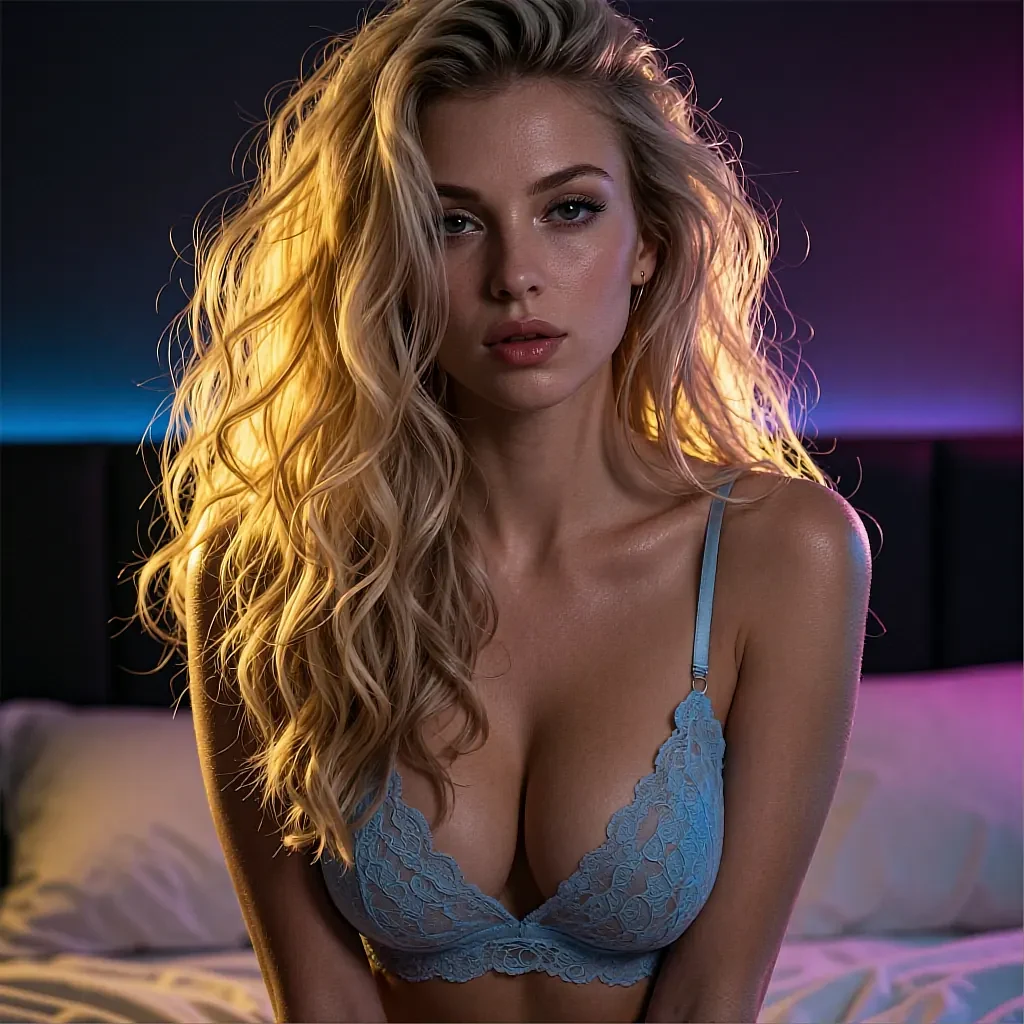

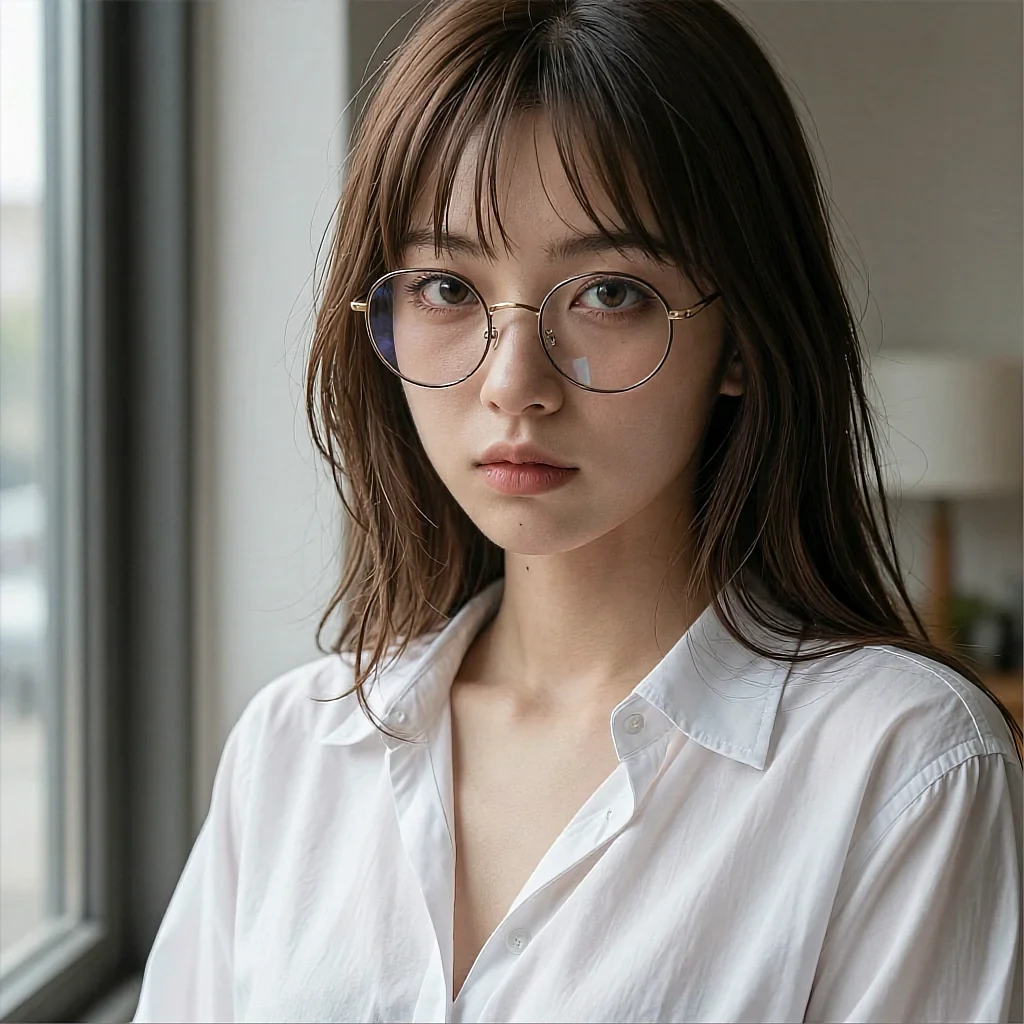
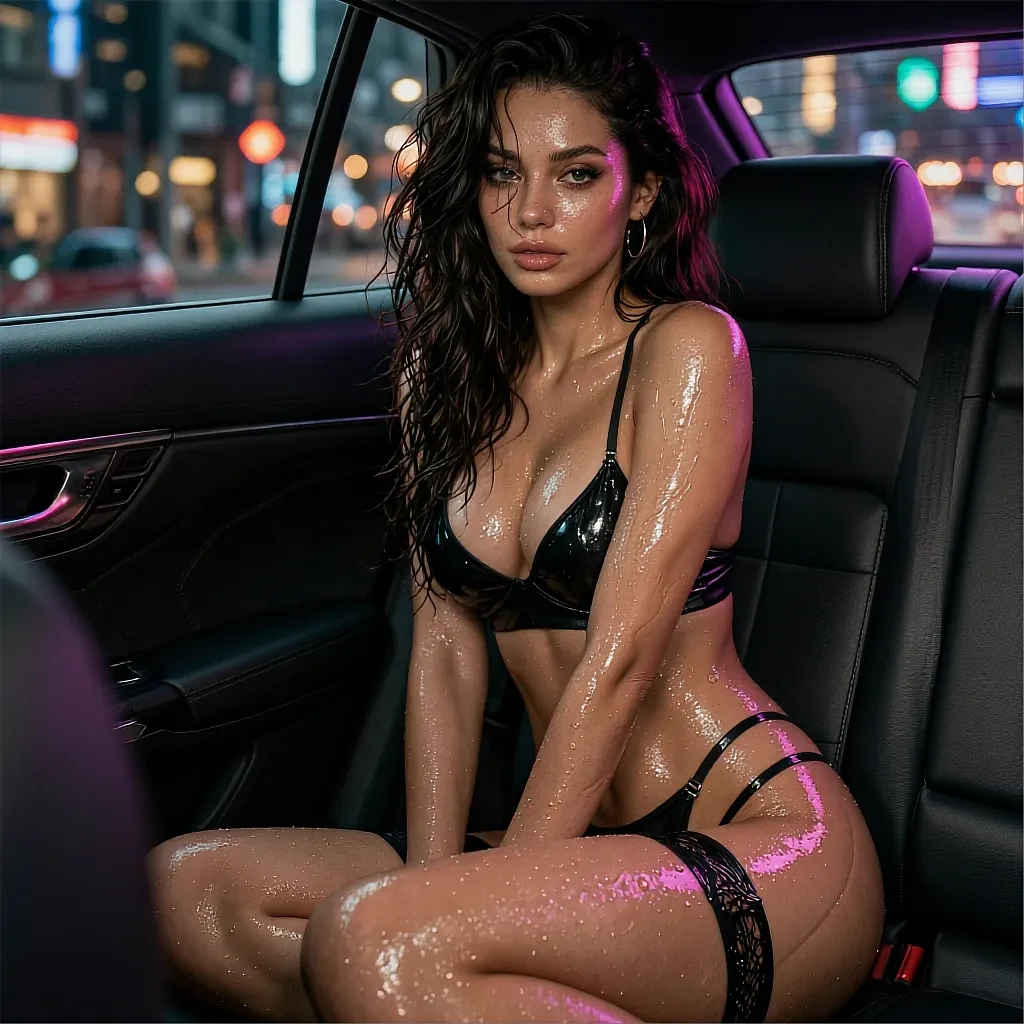
Variations
- Three dials
- Seconds per render
- No install
- 18+
02The detail
Why three dials beat a panel of forty sliders
A settings panel makes you learn the tool. Three dials make you describe the picture, which is the thing you actually came to do.
The dials on this AI lesbian art generator map onto the only decisions that change a sapphic frame in a meaningful way. Style decides how the image is drawn. Pose decides what the bodies are doing. Light decides what the room means. Everything else — hair, clothing, the object in her hand — belongs in the sentence, where it is faster to type than to hunt for.
The important consequence is that a dial applies from the next render without resetting the others. Nudge the shading and the pose survives. Move the light and the character does not turn into someone else. That is what turns a session into a set instead of a slot machine.
It also means the failure mode is cheap. A render that misses takes seconds to redo, so the honest workflow is four or five quick passes rather than one long, over-specified prompt hoping to land it in a single shot.
What works well
- Style, pose and light are independent — one change never resets the rest
- A render comes back in seconds, so iterating is the normal workflow
- The chosen muse stays recognisable across an entire set
- Plain sentences accepted; no tag syntax to memorise
- Runs in a browser tab on a phone or a laptop
Worth knowing first
- Fine-grained control is deliberately limited — three dials, not forty
- Every muse is a fictional AI character, not a real person
- The full style set and higher resolution are an optional upgrade
- Strictly 18+, with an age notice before the generator loads
03On this page
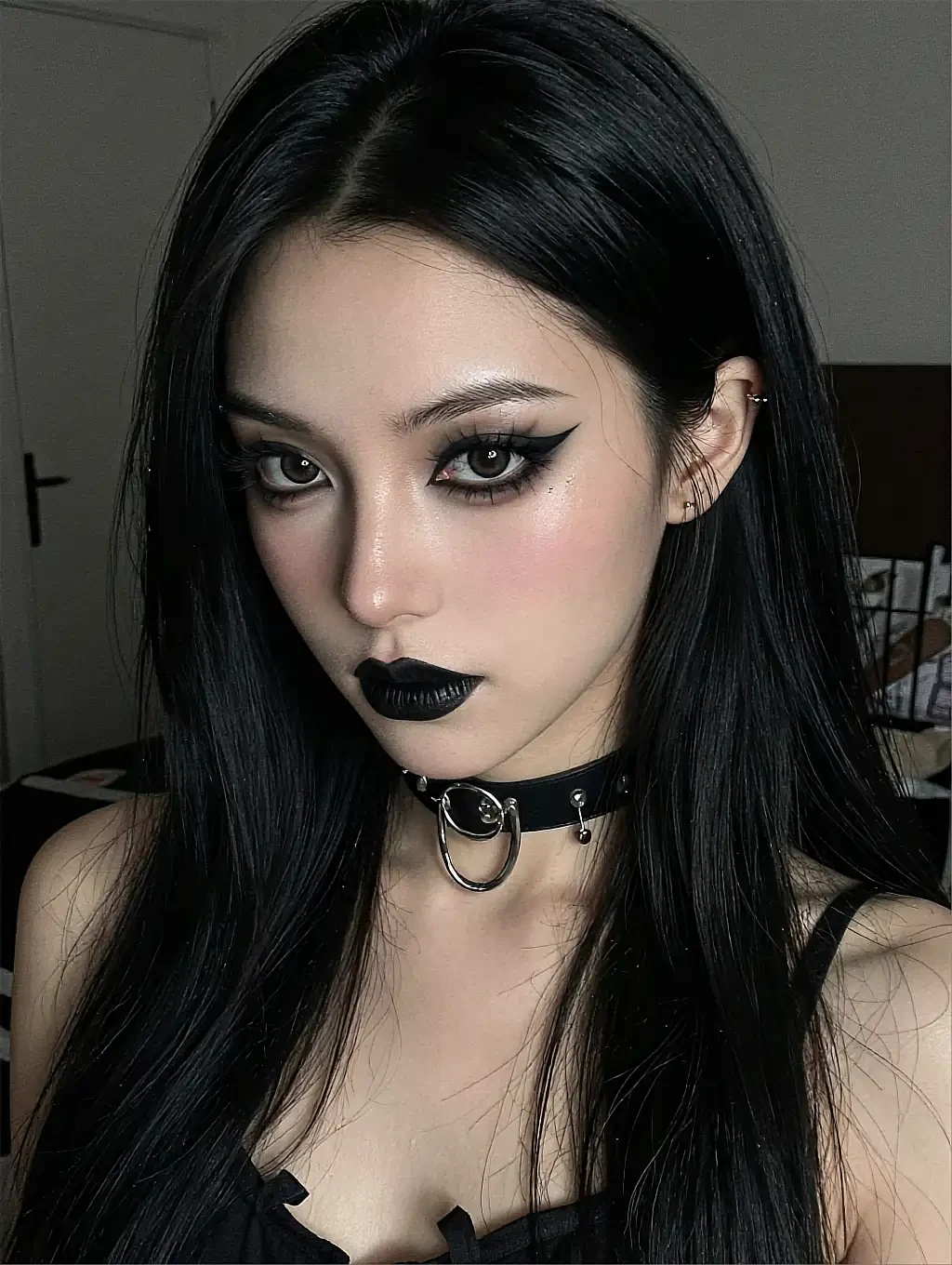
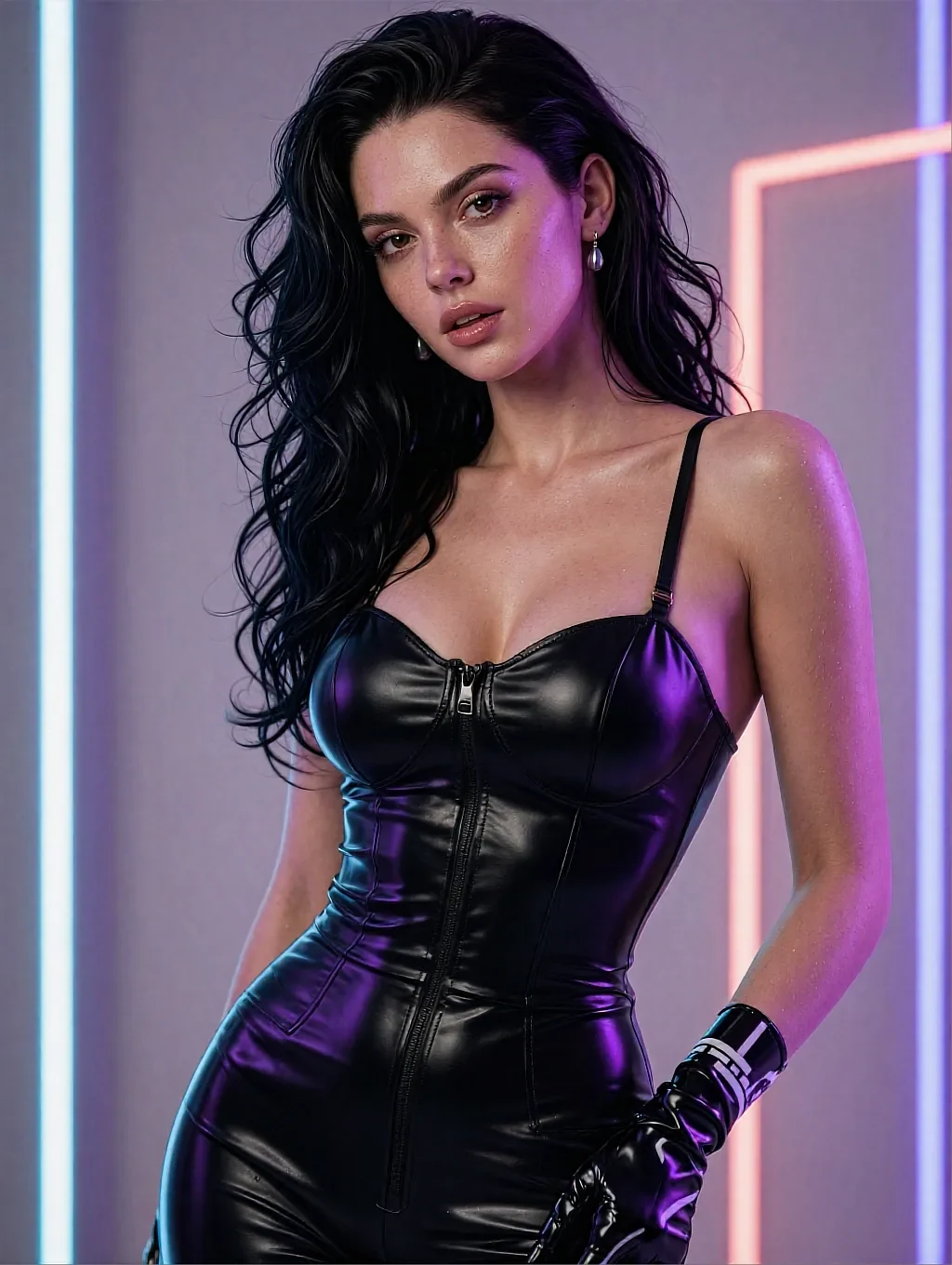
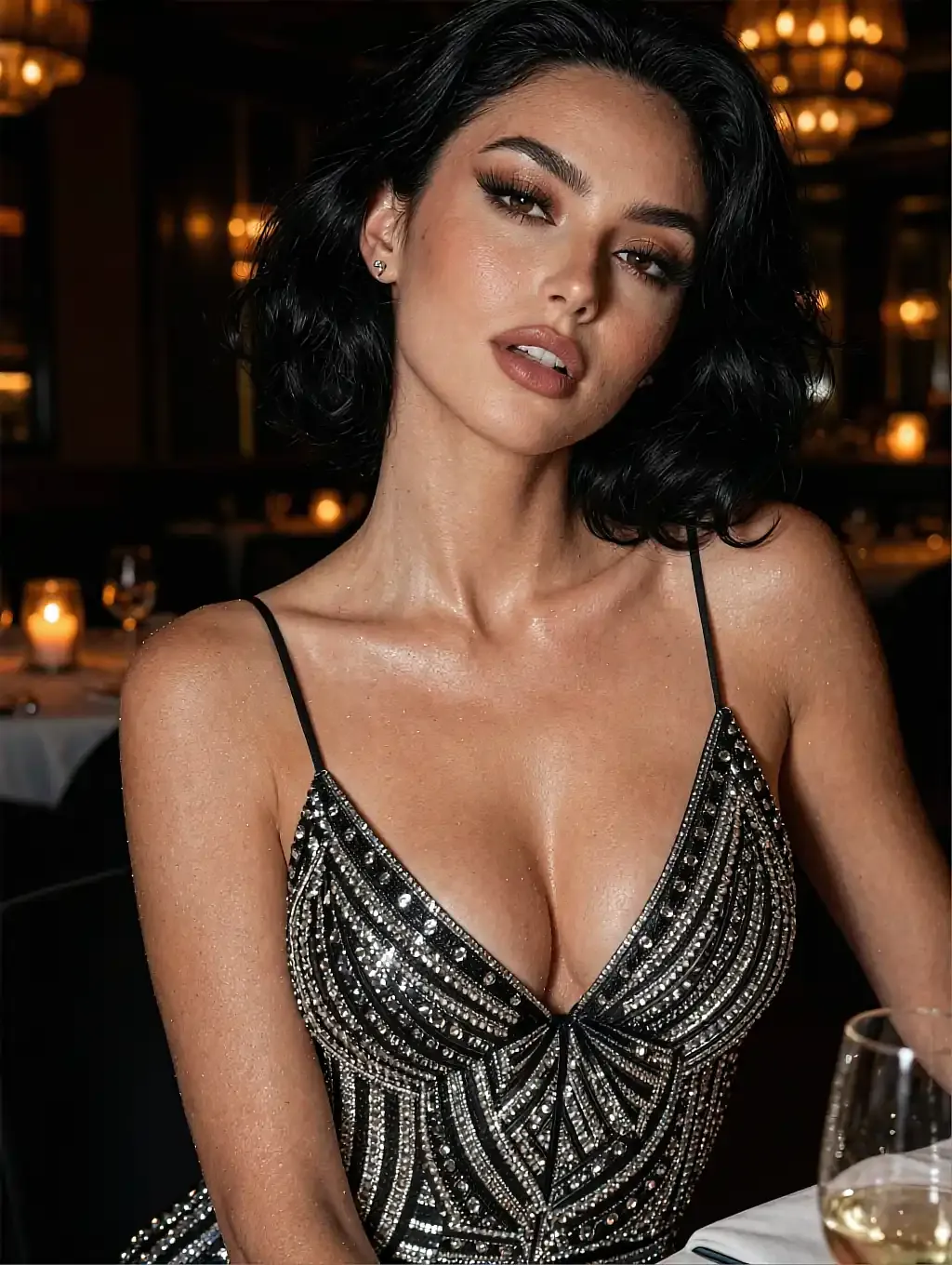
One prompt, three positions of the style dial
Identical wording and identical pose — only the drawing style moved between these three.
Soft oil: edges melt, the light does most of the talking.
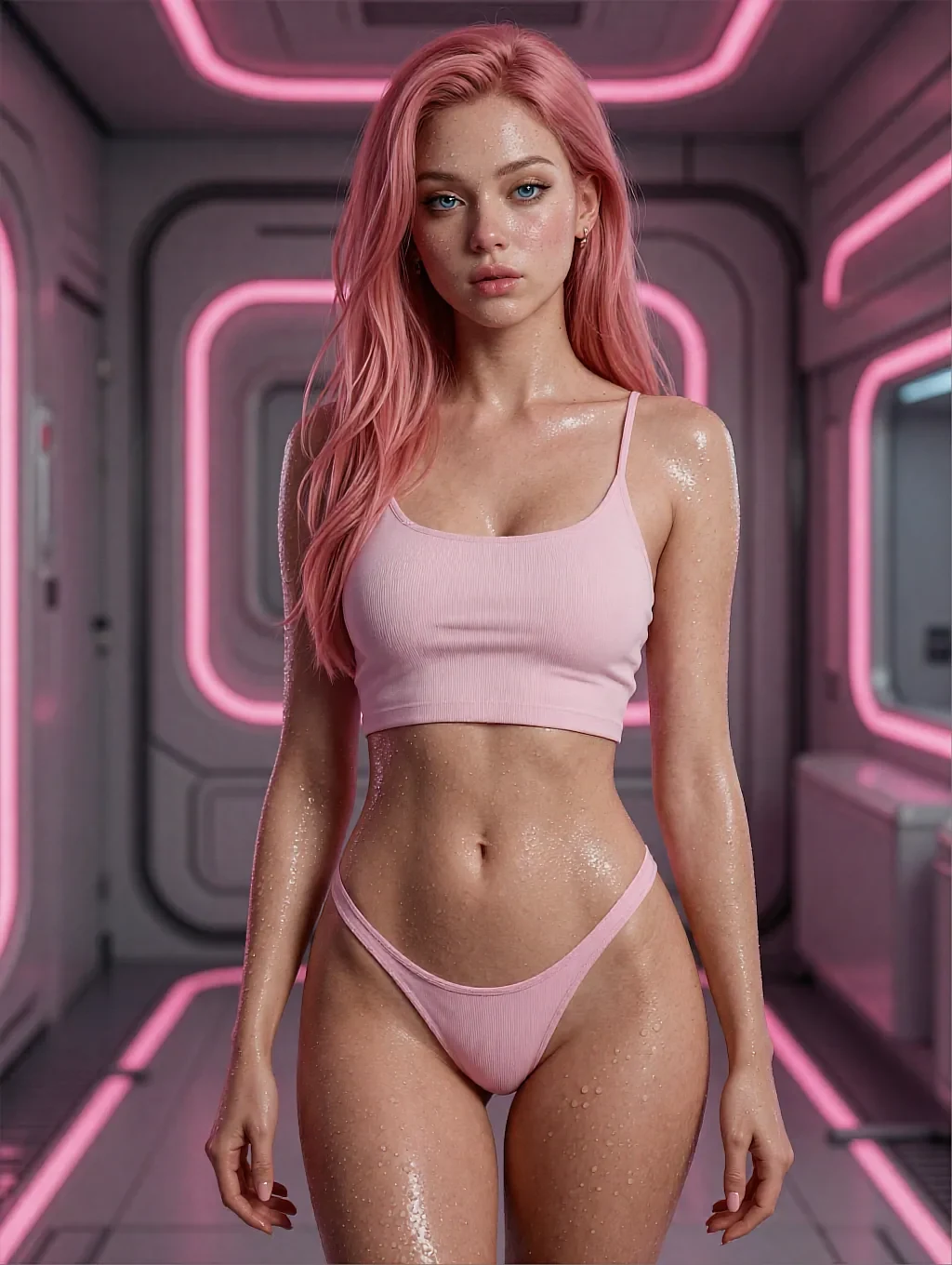
Ink line: the same pose with the shading stripped back to contour.
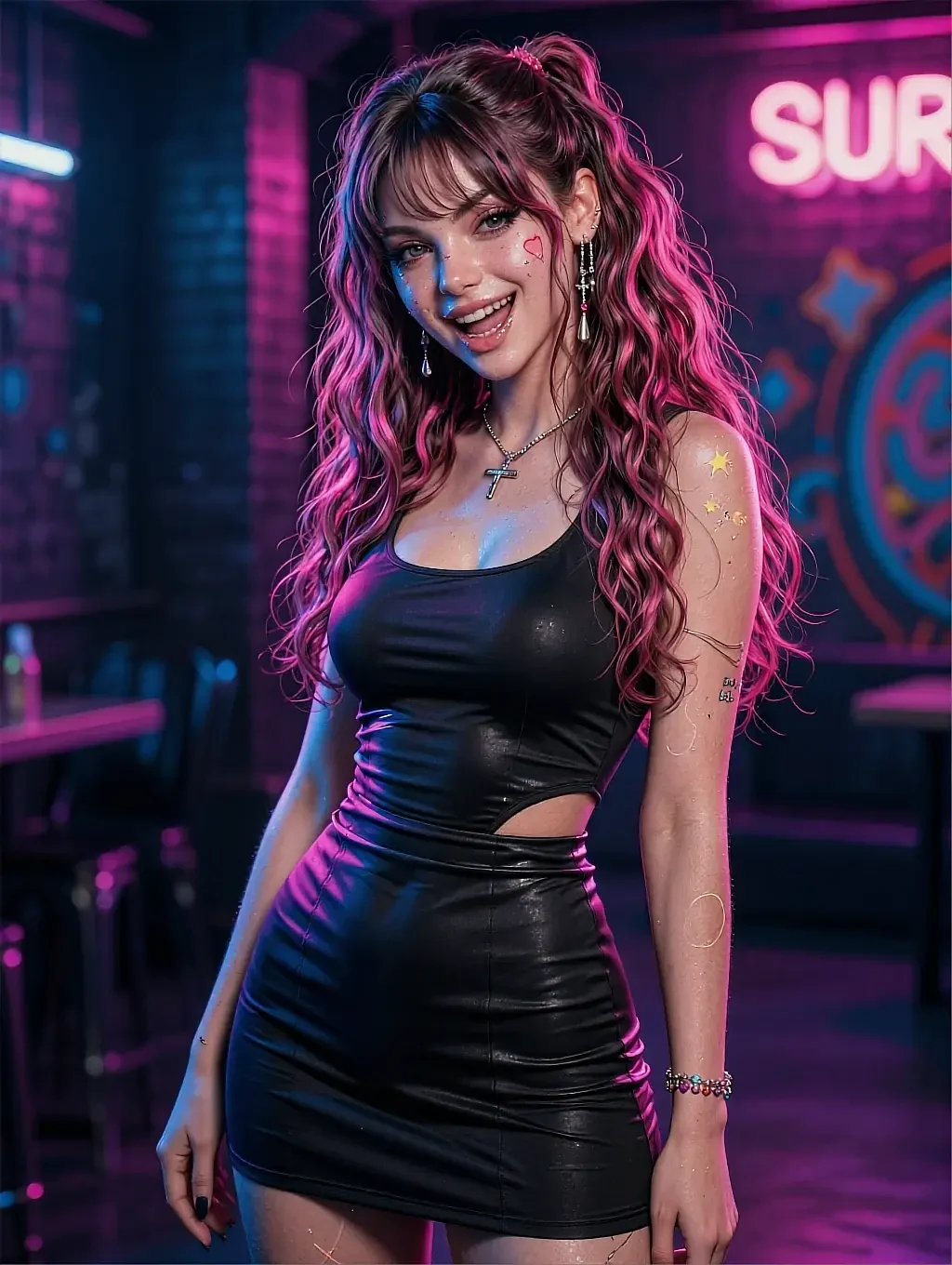
Film: grain, slight flare, and a scene that looks remembered rather than composed.
04In practice
A realistic first ten minutes
Pick a muse, type one sentence, hit render. The first frame is your baseline, not your result. Look at it and name the single thing that is wrong — usually the light — then move that one dial and go again.
By the fourth pass you normally have something worth keeping, and because the face is stable between renders the whole run belongs together. Keep what you want; the rest disappears with the session and nothing is published anywhere.
05Quick answers
The generator — quick answers
01How fast is a single render?
02Can I change the style without losing the pose?
03Does it accept negative instructions?
04What resolution do the renders come out at?
05Do I need an account before I can generate anything?
06Keep reading
Four rooms in the same gallery
Each page answers a different question about making sapphic art with a generator.
07Start now
Turn one dial and see what the picture becomes
A sentence, three dials and a few seconds is the whole loop. It costs nothing to start and there is nothing to install.